A software addition is a template that has been recreated or adapted from the software in which it was originally developed for use in another supported software.
Due to the technical capabilities and limitations of different software, there may be some differences in the design, functionality, or animation between software versions. These differences do not automatically mean that a submission should be treated as a separate template.
When reviewing software additions, consider what the user is purchasing the template for. Users may choose a template primarily for its design, layout, composition, or animation. The importance of each element will vary depending on the type and purpose of the template.
For example, in a slideshow template, the media placeholders and overall visual design are typically the primary focus, while the text and its animation may be secondary.
In many cases, the most noticeable differences between software versions will be related to text animation. Differences caused by the technical capabilities of the software should not, by themselves, determine whether a version qualifies as a software addition. Instead, focus on the overall design, purpose, and visual experience of the template.
The 95% Rule
At Artlist, all software versions of the same template are represented by one preview video.
When determining whether multiple software versions can be treated as a software addition, apply the 95% rule: Is the overall design and animation of the template approximately 95% similar between the different software versions?
If the answer is yes, the versions can generally be considered software additions, even if there are minor differences in animation, typography, layer order, or individual elements.
The 95% rule should be applied to the overall template, rather than focusing on isolated differences.
Examples For Software Additions
Example 1: Different Text Animation
In these templates, the overall design remains consistent across the different software versions, while the text animation differs.
For example:
- After Effects: Text builds up letter by letter.
- Premiere Pro: Text builds up as a complete line.
Although the animation differs, the overall design and visual experience remain highly similar. Therefore, the 95% rule applies, and the additional version can be considered software additions.
Example 2: Differences Within Individual Slides
In this example, there is a difference in the design of specific slides within a presentation template.
However, because the difference applies to only one slide within a larger collection of slides, the overall look and feel of the template remain sufficiently similar.
The 95% rule therefore applies, and the additional version can be considered software additions.
Example 3: Font Differences
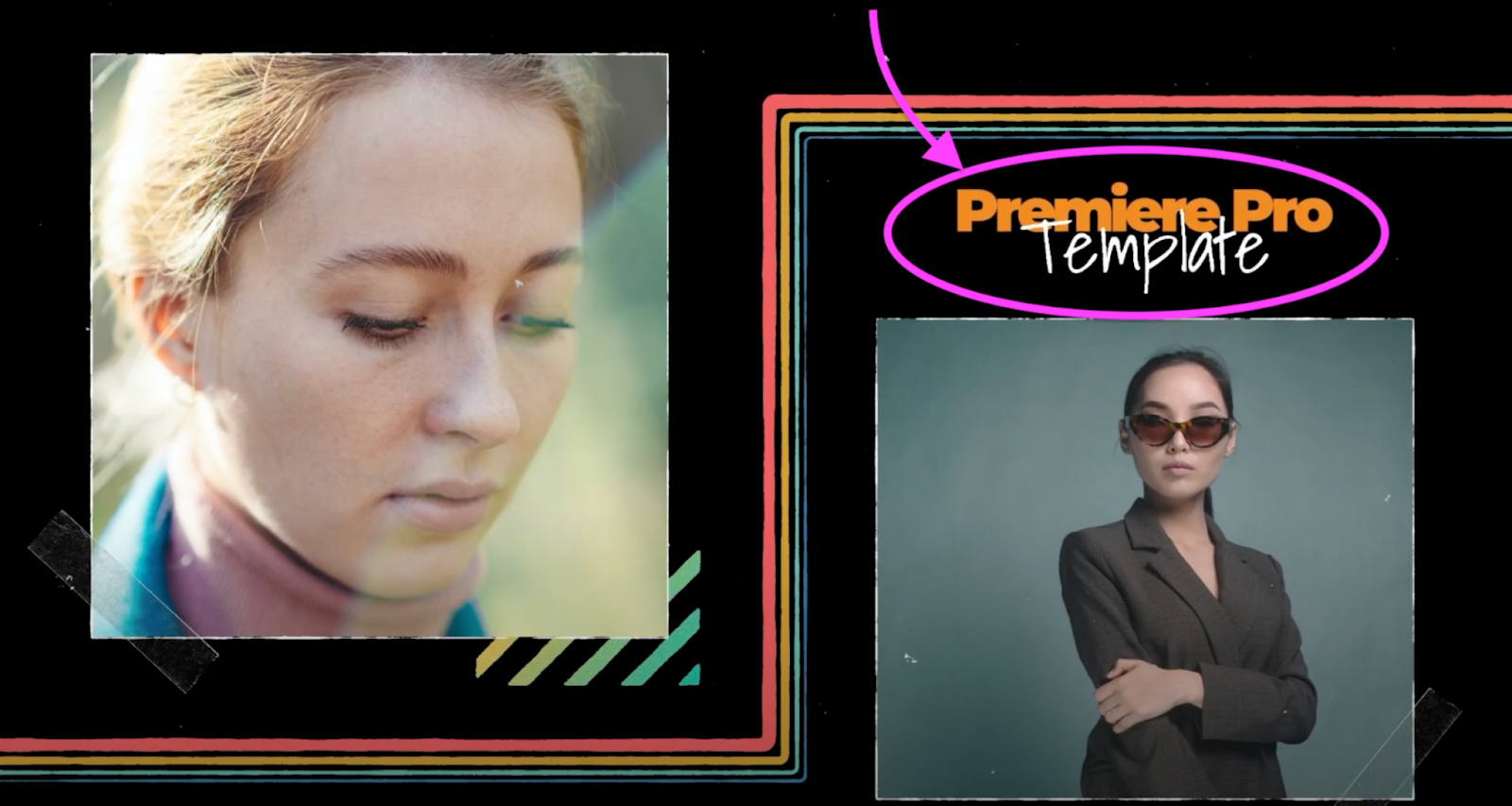
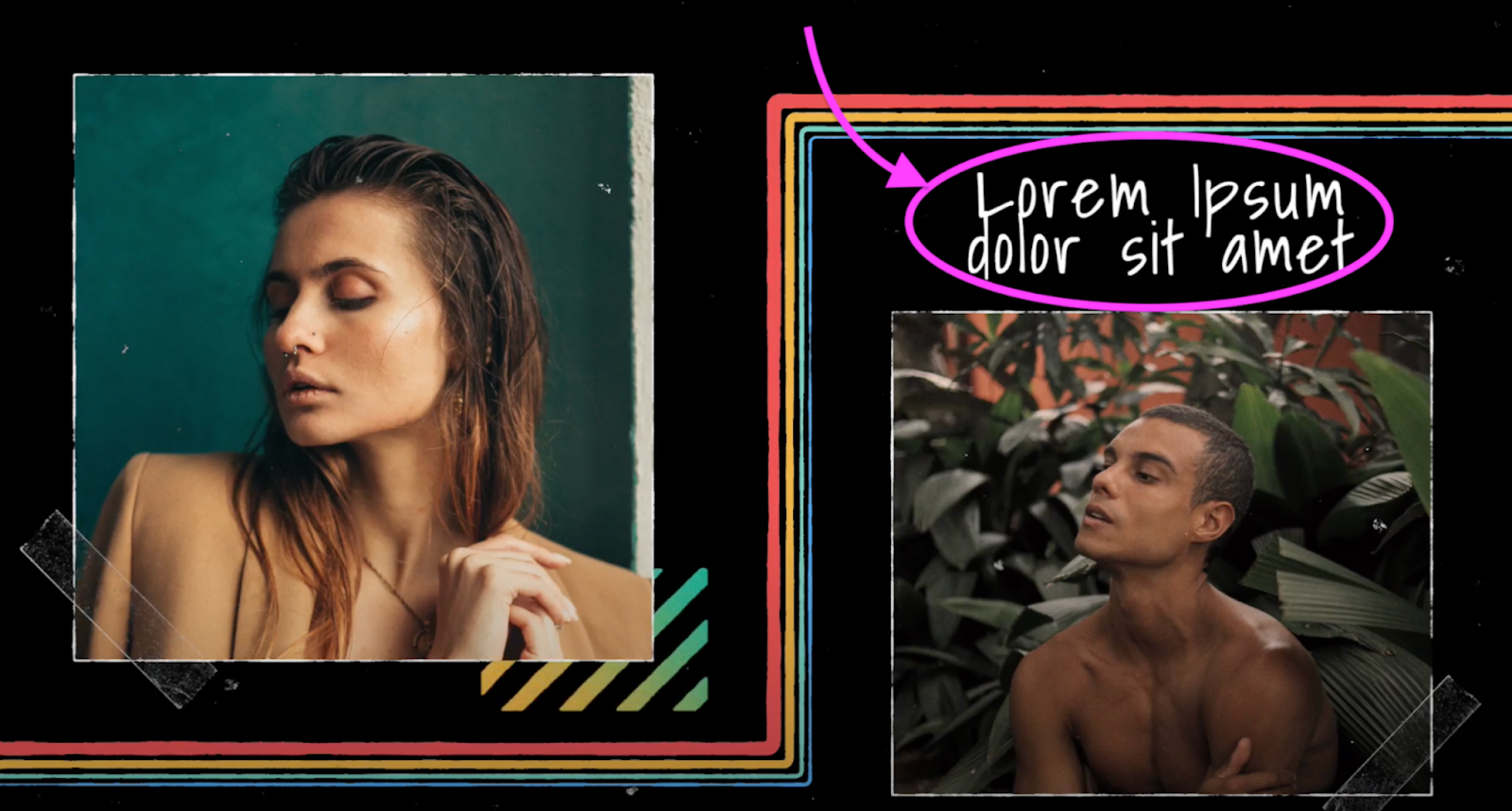
In this slideshow template, the After Effects and Premiere Pro versions use two different fonts, while the Final Cut Pro version uses only one.
The primary focus of the template is the photo/video placeholders and overall slideshow design, rather than the specific fonts used.
Because the main design and media placeholders remain sufficiently similar across the versions, this can be considered a software addition.
Example 4: Different Layer Order
The layer order may differ between software versions due to the technical requirements of each application.
However, if the overall design, composition, and visual experience remain sufficiently similar, the versions can still be considered a software addition.
Differences in layer order alone should not prevent a version from qualifying as a software addition.
Examples That Are Not Software Additions
Example 1: Significant Difference in the Main Design
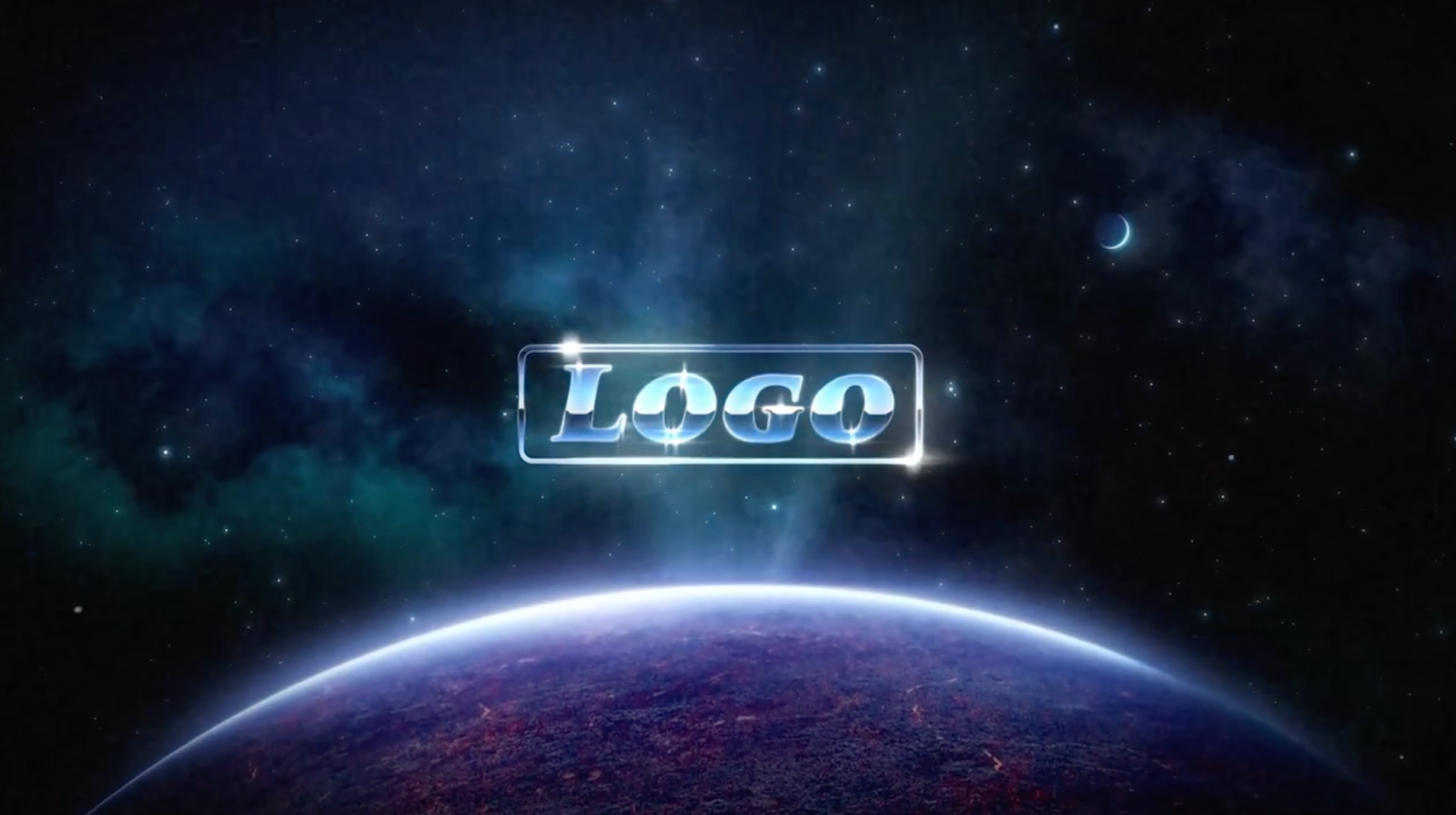
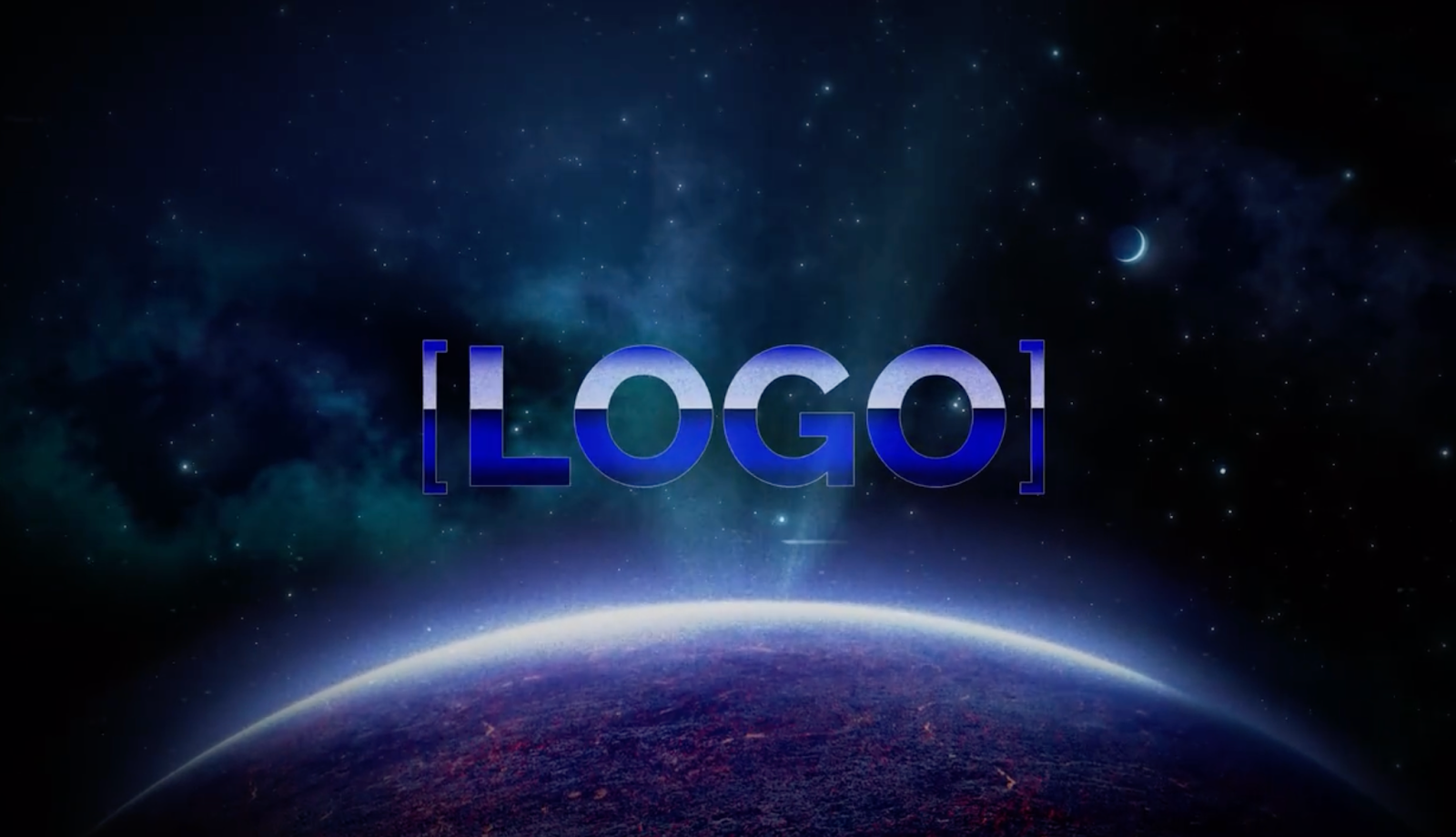
In this example, the logo treatment is the primary focus of the template.
There is a significant difference between the After Effects and Premiere Pro versions, particularly in how the logo is presented and animated.
Because the primary design element of the template has changed substantially, the 95% rule does not apply.
This should therefore not be considered a software addition.
Example 2: Significant Difference in Text Animation
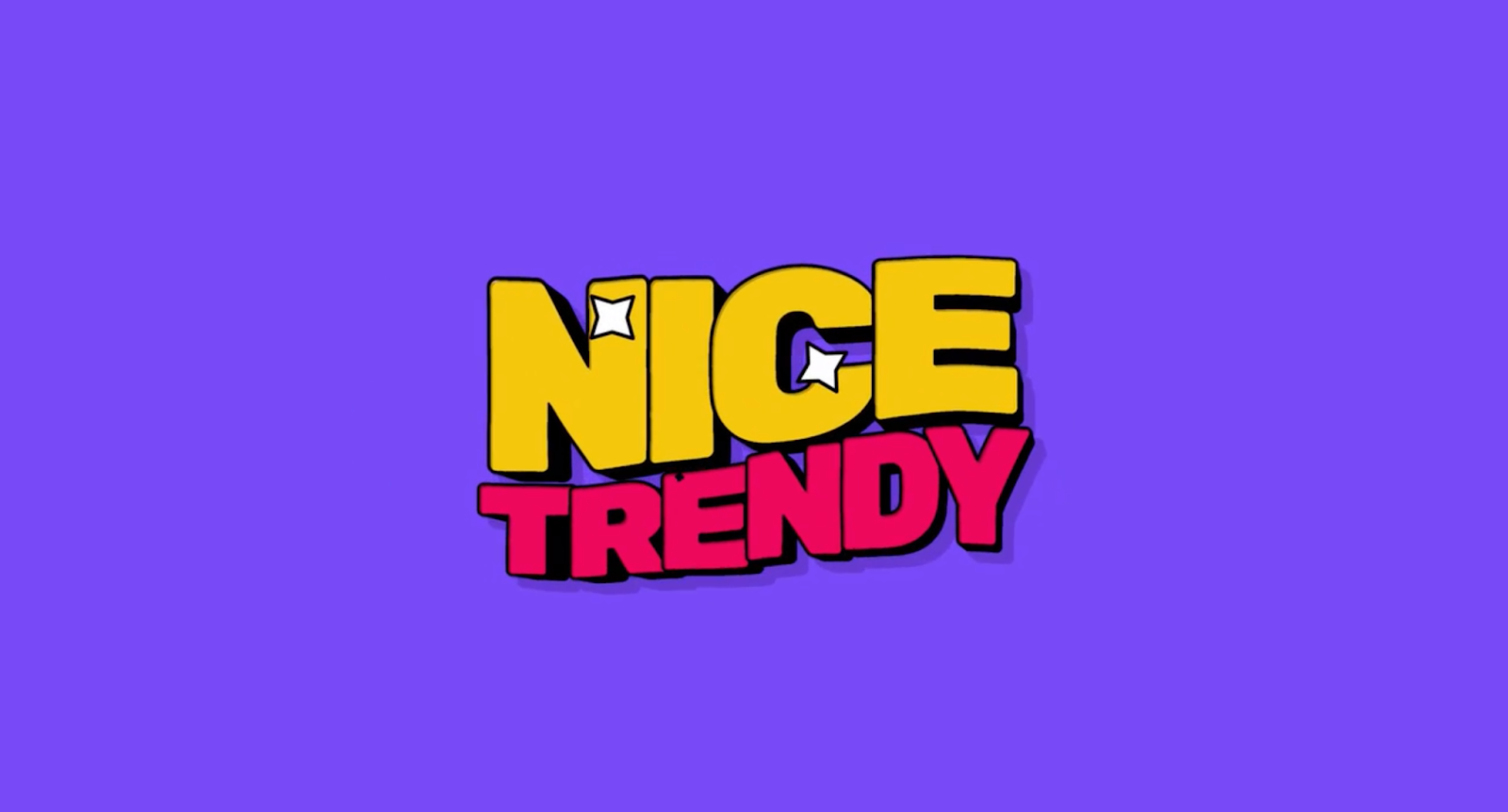
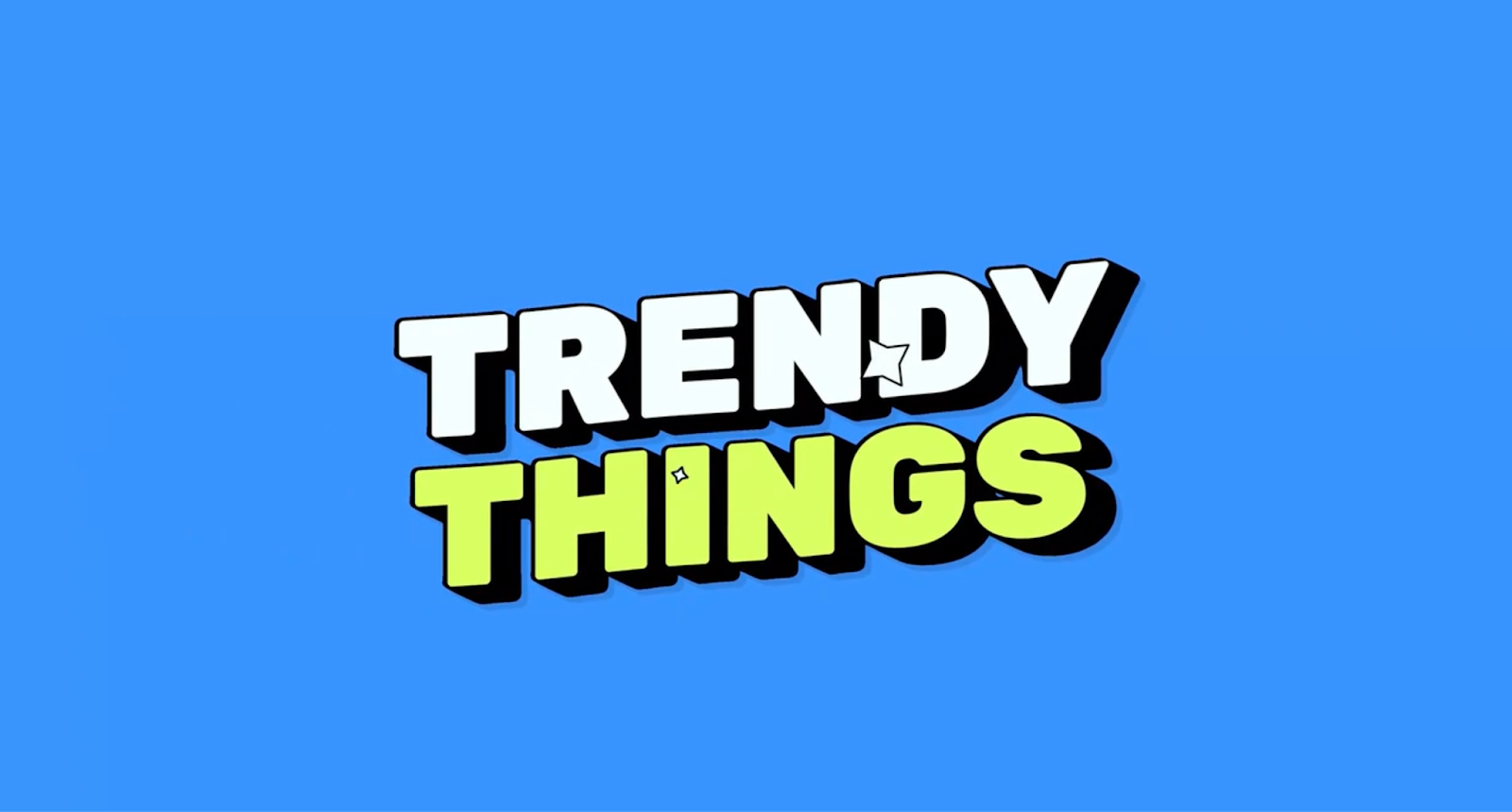
This template is primarily a text tool designed for users to place over their own video.
Although the overall look and feel may appear similar, the main purpose of the template is the text animation, rather than a broader design or composition.
There are noticeable differences between the After Effects and Premiere Pro versions in the text animation. Because the animation is the primary focus of the template, these differences are significant.
This should therefore not be considered a software addition.
Choosing The Preview Video And Thumbnail
When multiple software versions are considered software additions, one preview video and thumbnail should represent all versions.
When selecting the preview movie/thumbnail image, choose the version that:
- Best represents the overall design and functionality of the template.
- Accurately represents the experience across all supported software versions.
- Shows the template at its best without overstating or misrepresenting its capabilities.
Which Preview Movie Should Be Used?
Use the following as a general guideline:
- Minor differences: Choose the After Effects preview movie.
- More noticeable differences: Consider using the Premiere Pro, Final Cut Pro, or DaVinci Resolve preview movie, depending on which best represents the template.
- Significant differences: Use your best judgment to select the preview movie that most accurately represents the template without “overselling” its capabilities.
The goal is to ensure that the selected preview movie provides an accurate representation of the template regardless of which software version the user downloads.